Meet Quick Start
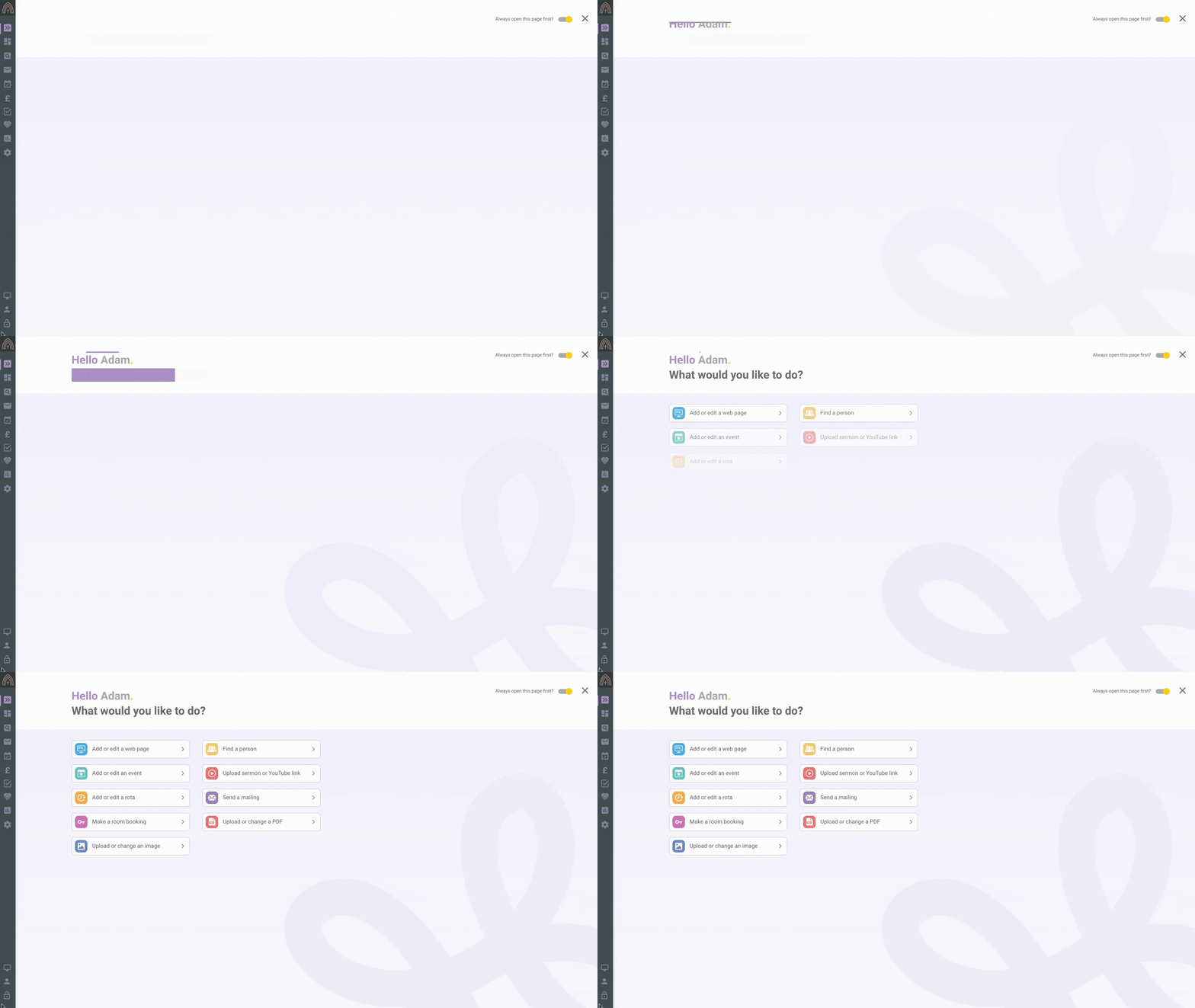
Quick Start is the friendly starting point that greets you when you log into the web office. It’s there to help everyone, however experienced, get to where they need to go quickly and easily, and it’s on for everyone by default, so there’s nothing to set up.
Turning Quick Start off
-
Log into the web office as usual. Quick Start appears automatically to greet you.
-
If you’d rather not see it, click the toggle at the top right to switch it off.
Good to know
-
Quick Start appears for everyone who logs into the web office, so your whole team gets the same friendly starting point.
-
What you can see and do in Quick Start follows your own permissions, so you’re only ever offered the tasks you’re allowed to carry out.
-
New to the web office? Our overview of Hubb.Church gives you a tour of the whole screen.
Still stuck? We’re real people.
Raise a support ticket and our UK team will get back to you.
Contact support