Live events with planner
In this video we show you the ways you can access the plans you have created on the dashboard. We also want to show you what you're able to do on the dashboard to help when you are live at the event.
Sorry, your browser is unable to play this type of file.
You can still
download it
Firstly, let's look at how to view the live version of the plan.
-
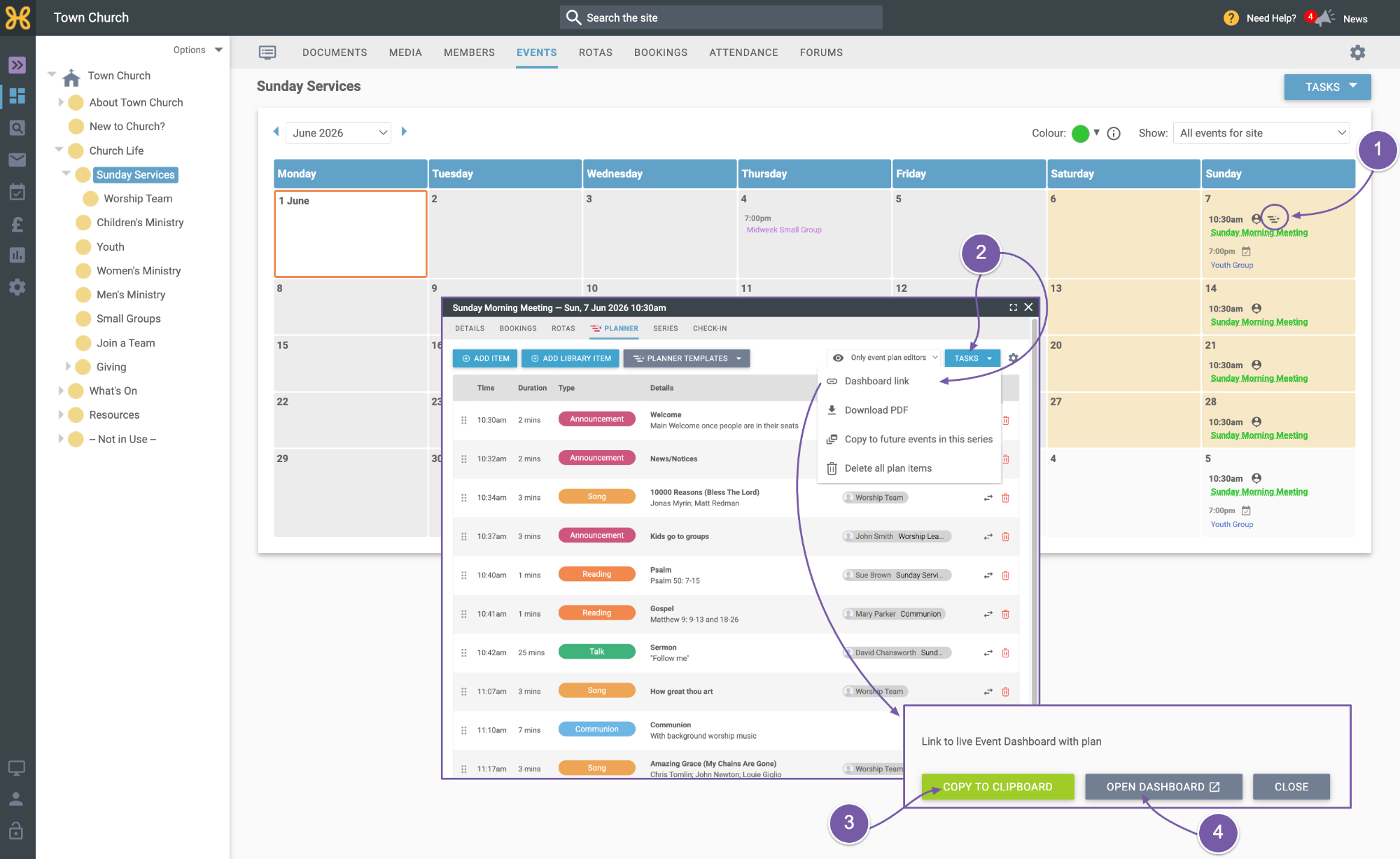
Go to the calendar where you will see the “Planner” icon next to events that have a plan. Click on this icon to go straight to the plan.
-
When you are viewing or editing your plan you can click on “Tasks” and “Dashboard Link”. We now have two options.
-
Firstly, you can click to copy the link to the live dashboard. You can keep this link to hand or send it to anyone that you would like to view the live plan. Remember access to view the plan will depend on the visibility settings you have on the plan.
-
The other option is to go straight to the dashboard from the web office. This will open in a new tab.
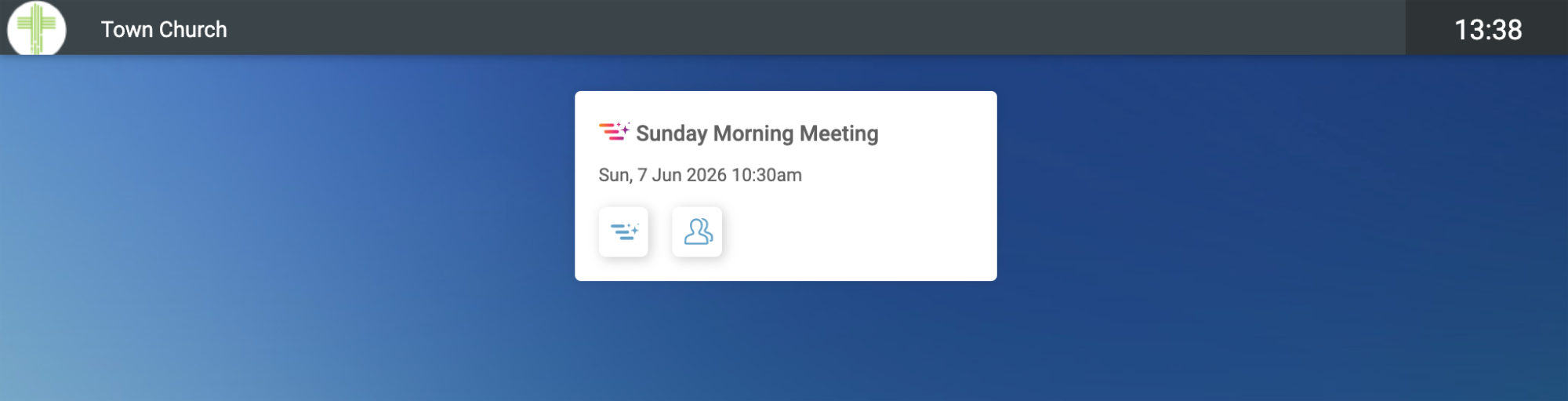
We have also added “/planner” to your site and if you go there, you will see all of the events with a plan.
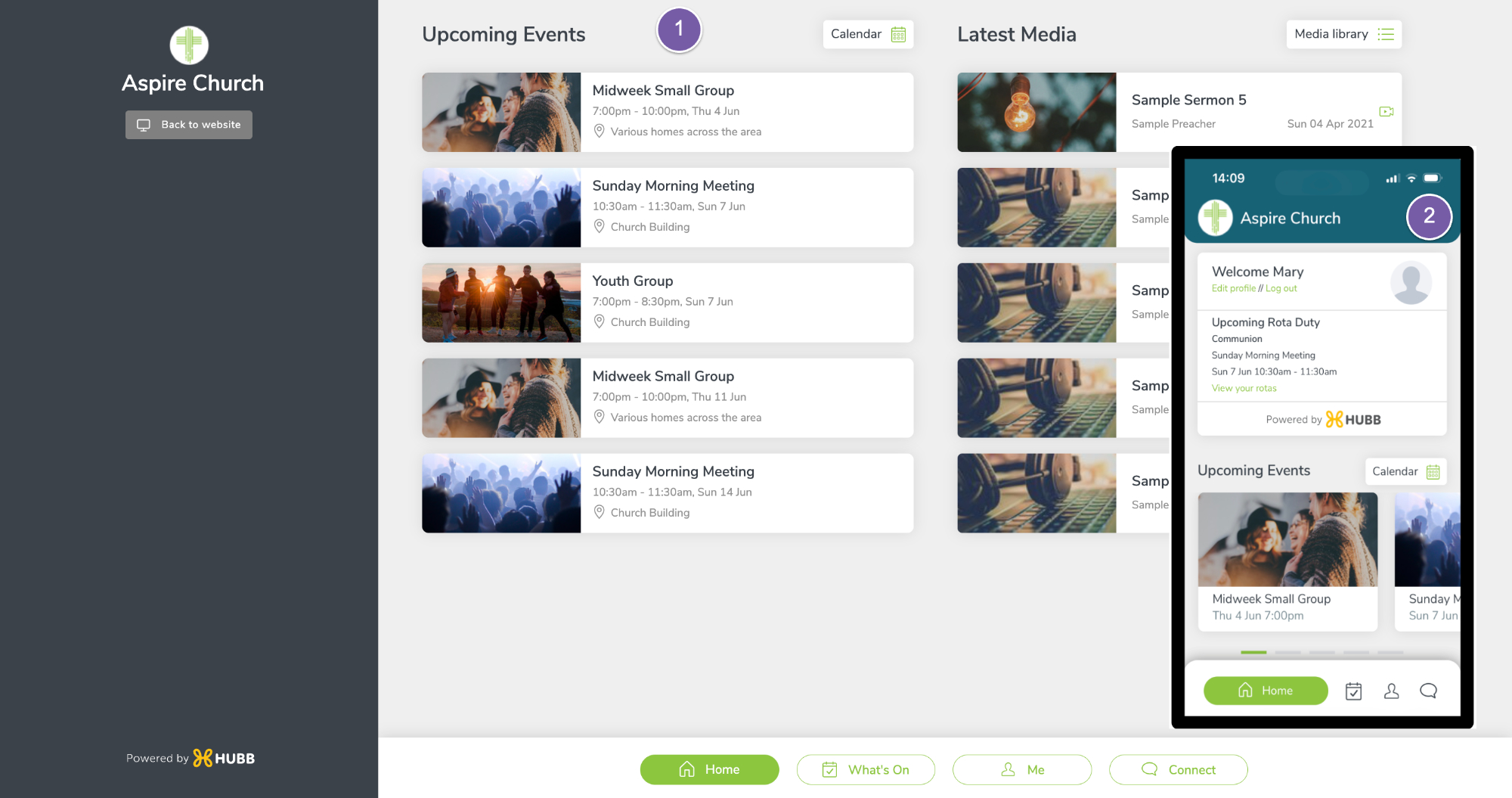
The last way to show you how to access your plans is via the app. Remember the app works on:
-
Desktop
-
And mobile.
To get to your app just go to your website's address “/app”.
-
From there you can open up the menus
-
Find the planner item.
-
If your app is in grid view just click on the planner icon on the app's homepage. On this page and depending on what else is available on the event you will see icons to quickly access the plan, check-in kiosk, rota information or bookings.
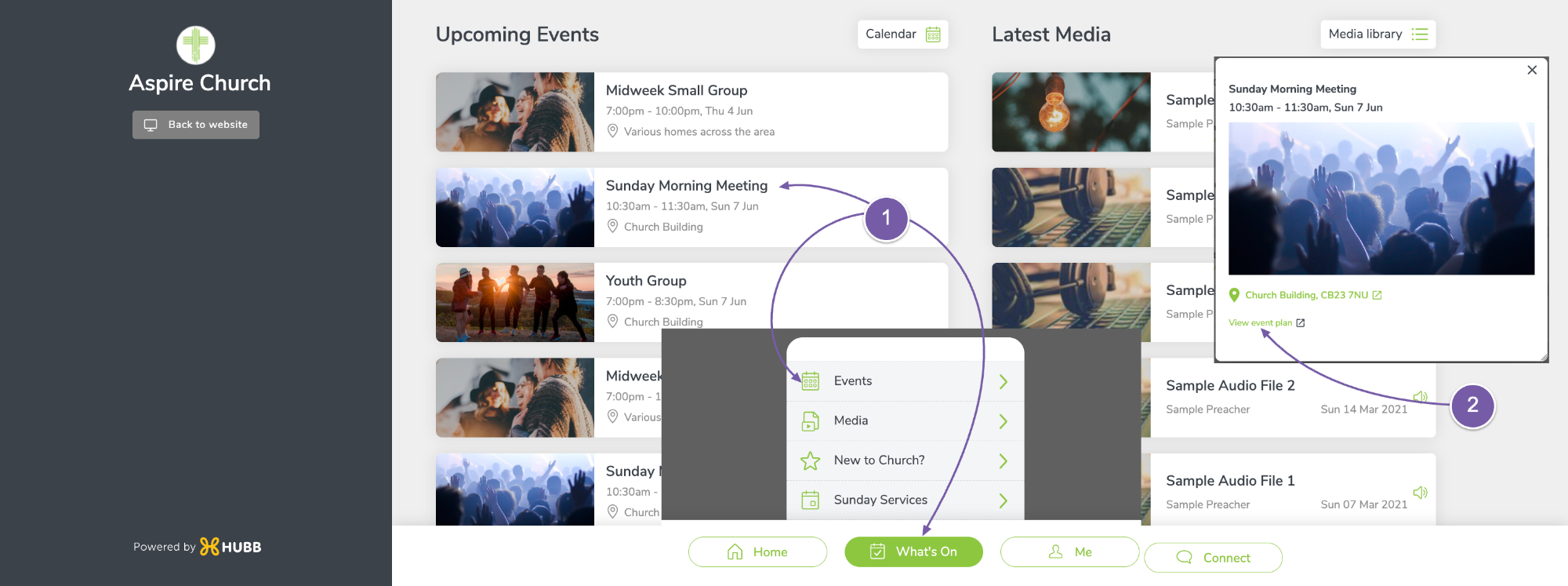
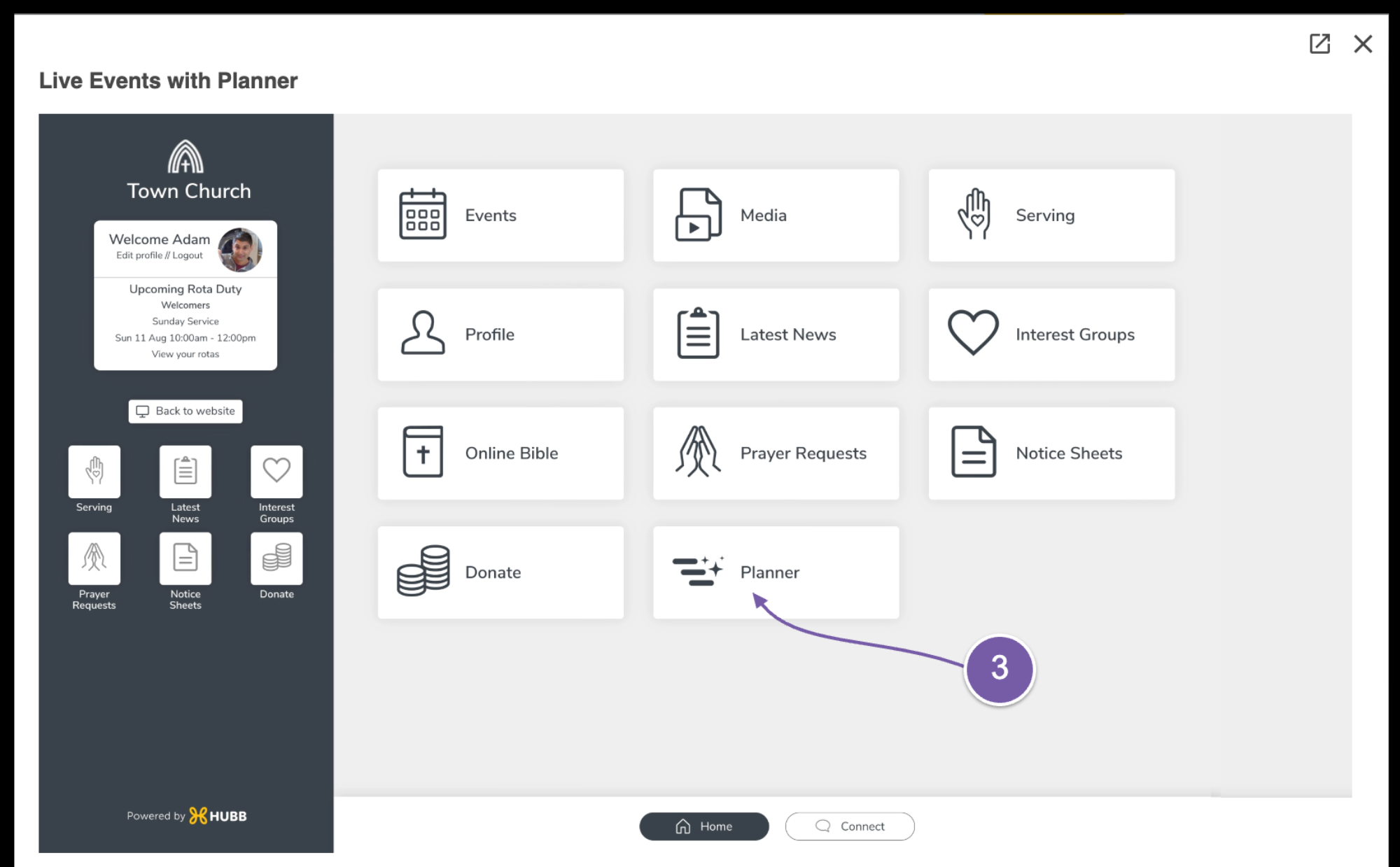
Click on the plan you wish to view.
-
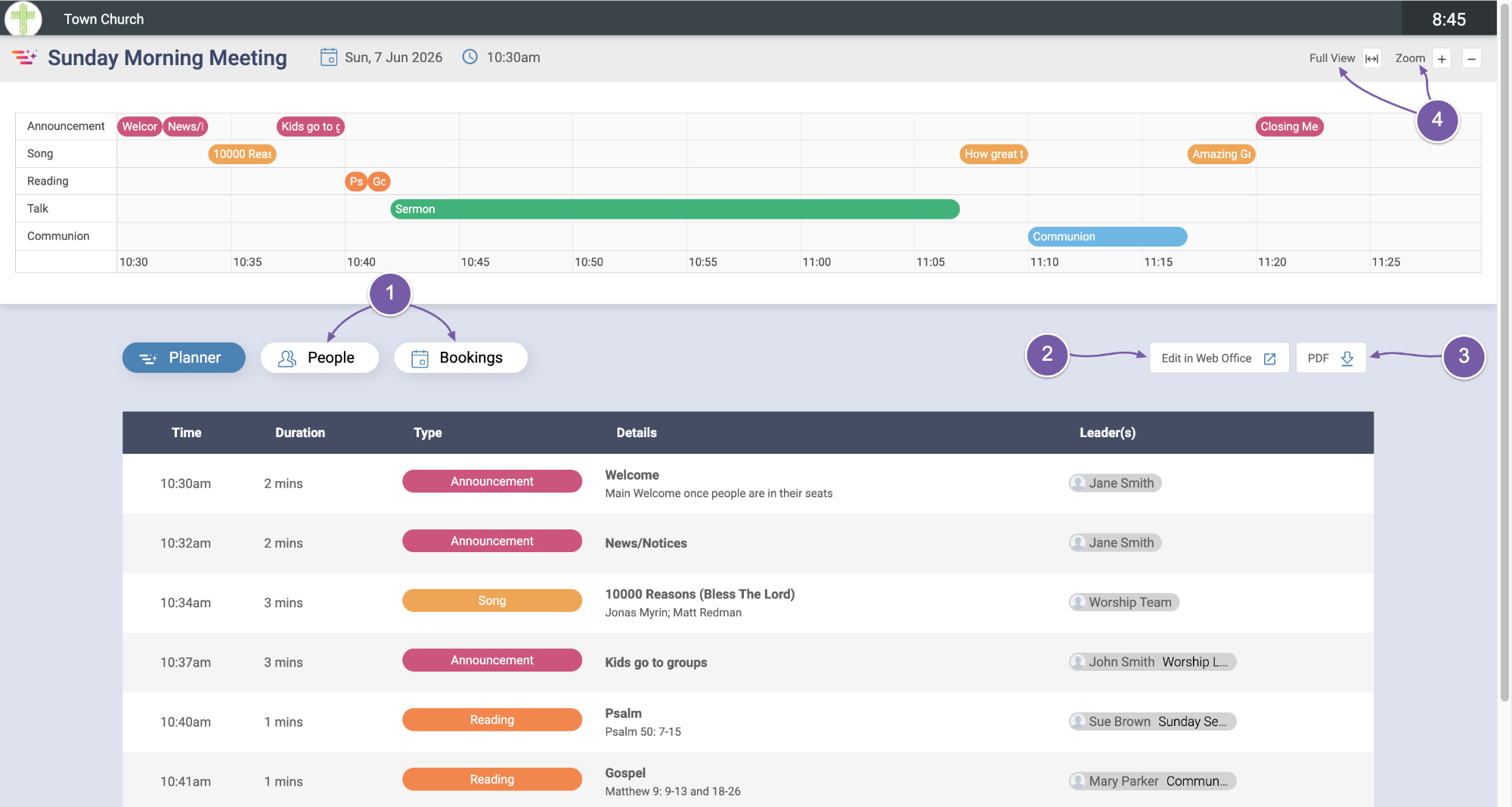
When you are viewing the plan, you can access rota and booking information by clicking on those tabs.
-
If needed we can click to edit the plan in the web office...
-
or generate a pdf of the plan.
-
At the top right of the plan, you will see some buttons to adjust the zoom to suit your preference.
When the plan is live it's likely that you may want some people to access it on a large screen and others within the app. With this flexibility and the ability to have Planner available to whoever you need it will help people to stay on the same page during the service. This is especially true if things like children's church or refreshments are being organised away from the main service.
Thanks for watching and we hope you enjoy “Planner” and find it useful in running your events.