Updating the multi church options on Aspire
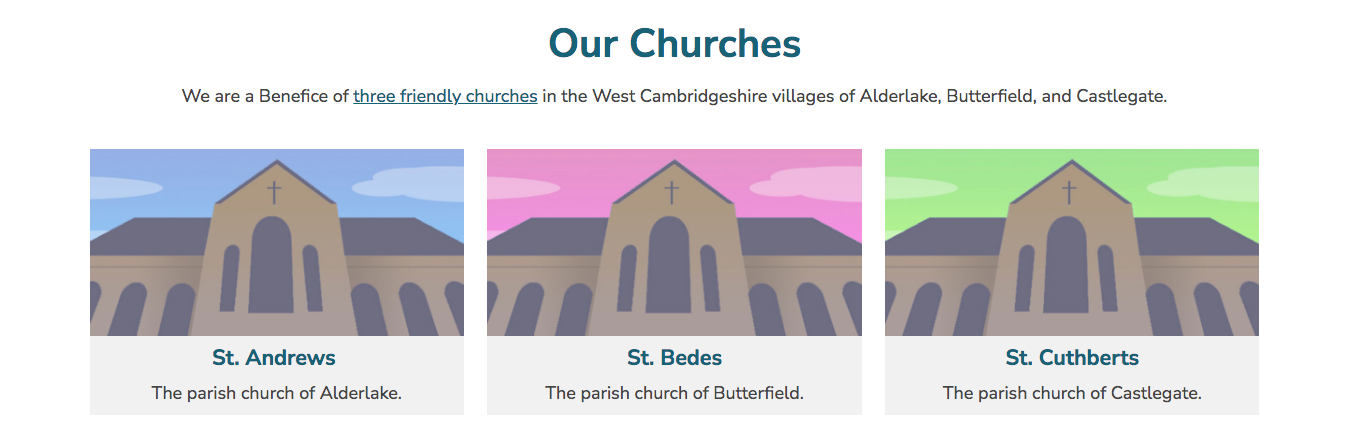
If your parish has more than one church, ASPIRE can show a section for each, with a slice on the homepage that links through to each one. The churches live in a group called ‘Our Churches’.
The Our Churches group
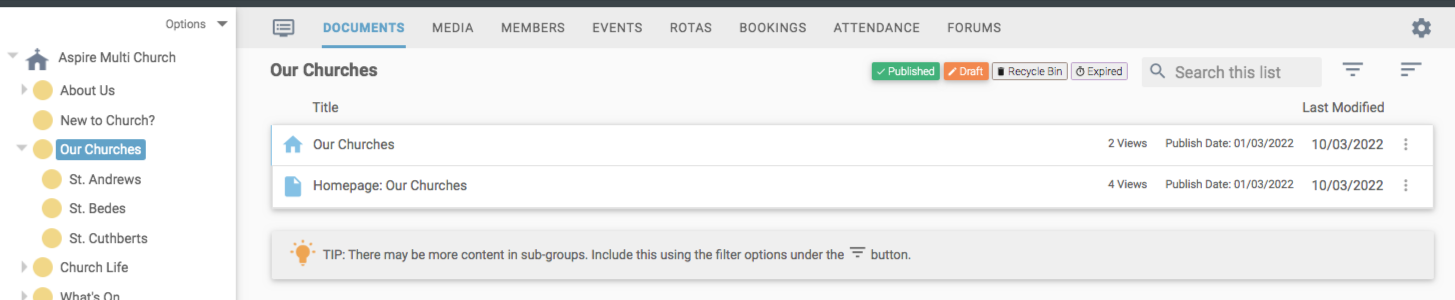
The ‘Our Churches’ group has two articles: one for the group’s own homepage, and one for the slice shown on the site homepage. Each church then has its own article in its sub-group, which you update with that church’s details.
Each church’s image
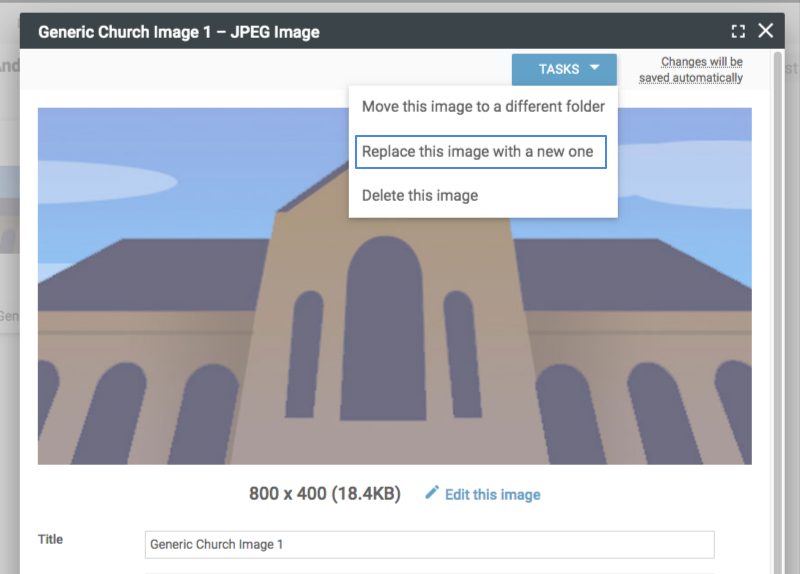
Each church starts with a generic image, which you can swap for your own. The recommended size is 800 by 400 pixels. Go to the church’s sub-group, and under the Media tab select the current image and use the ‘Replace this image with a new one’ task. That updates it in the articles and on the homepage, so you don’t have to change each one by hand.
Events for each church
You can set up events in each sub-group and show a calendar just for that group, giving each group its own colour so its events stand out in the full calendar. It’s worth setting up your preset event locations before you add events, which is covered in our getting started guides.

Still stuck? We’re real people.
Raise a support ticket and our UK team will get back to you.
Contact support